How to Reduce PDF File Size for Email
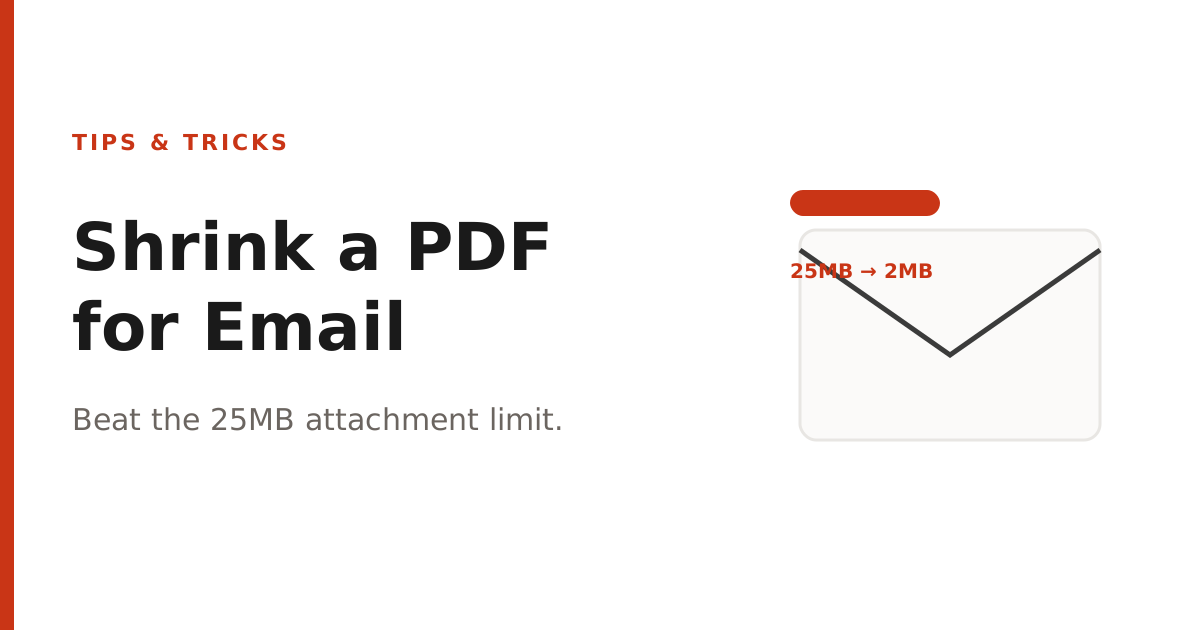
Most email providers cap attachments around 25MB. Here's how to shrink a large PDF down to size without losing readability.
At a glance
Most email providers cap attachments around 25MB. Here's how to shrink a large PDF down to size without losing readability.
"Message too large" is one of the most common attachment errors, and it almost always comes down to one thing: images. A PDF built from high-resolution scans or screenshots can easily balloon past what Gmail, Outlook, or your company's mail server will accept.
Why PDFs get so large
Text itself takes up very little space in a PDF — a 50-page text document might be under 500KB. What actually drives file size is embedded images: scanned pages, high-resolution photos, or screenshots pasted into a document at full camera resolution, often far higher than needed for on-screen or even print viewing.
The fix: compress before you send
- Open our Compress PDF tool.
- Upload the large PDF.
- Choose "Recommended" for a balance of quality and size, or "Strong" if you need the smallest possible file.
- Download the compressed version and check the new file size before attaching it to your email.
Compression re-encodes the embedded images at a lower resolution and quality while leaving text sharp, since text doesn't need to be "compressed" the way a photo does. For most documents, this can cut file size by 50-90% with no visible difference on screen.
Other options if compression isn't enough
- Split the PDF into smaller sections using our Split PDF tool and send only the pages the recipient needs.
- Share a download link (Google Drive, Dropbox) instead of an attachment for very large files.
- If the PDF is mostly images, consider whether the recipient actually needs full-resolution originals or just a readable copy.
About PDFNest
PDFNest provides free, PDF and Word tools. Most process files in your browser; Word to PDF uses server conversion. No signup, no limits, no watermarks, no paid tier — everything on the site is free.