PDF vs Word: Which Should You Use for a Resume?
Job applications almost always specify a format. Here's when to use PDF, when to use Word, and how to convert between them in seconds.
At a glance
Job applications almost always specify a format. Here's when to use PDF, when to use Word, and how to convert between them in seconds.
This question comes up in nearly every job-hunting guide, and the honest answer is: it depends on where you're sending it. Here's how to decide, and how to have both versions ready in under a minute.
When to use PDF
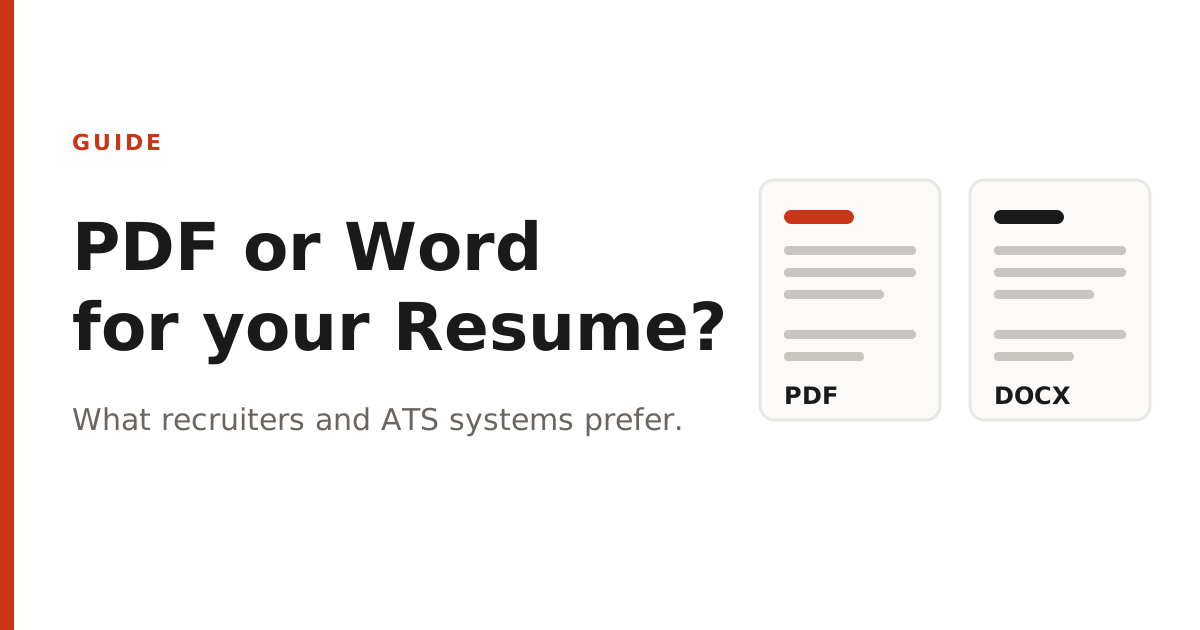
PDF preserves your exact formatting — fonts, spacing, and layout look identical no matter what device or software opens the file. This matters most when you've spent time on a visually designed resume, since a Word document can shift fonts or spacing if the recipient doesn't have the same fonts installed. Most hiring managers reading a resume by eye prefer PDF for this reason, and it's the safer default when a job posting doesn't specify a format.
When to use Word (.docx)
Some applicant tracking systems (ATS) — the software many companies use to automatically scan resumes for keywords — parse .docx files more reliably than PDFs, especially PDFs with complex multi-column layouts or graphics. If a job application explicitly asks for a Word document, or you're applying through an older corporate portal, use .docx to avoid parsing errors that could get your resume filtered out before a human ever sees it.
Keep both versions ready
- Write your resume in Word first, since it's the more universally editable format.
- Use our Word to PDF converter to generate a polished PDF version for general applications and email attachments.
- If a specific application asks for a Word file and you only have a PDF version, use our PDF to Word converter to get an editable .docx back.
Both conversions run in your browser and take a few seconds — there's no reason not to have both formats on hand before you start applying.
About PDFNest
PDFNest provides free, PDF and Word tools. Most process files in your browser; Word to PDF uses server conversion. No signup, no limits, no watermarks, no paid tier — everything on the site is free.